Fire - Part 2 - Stable Diffusion
This is part 2 of a series. See part 1 for the background.
Midjourney
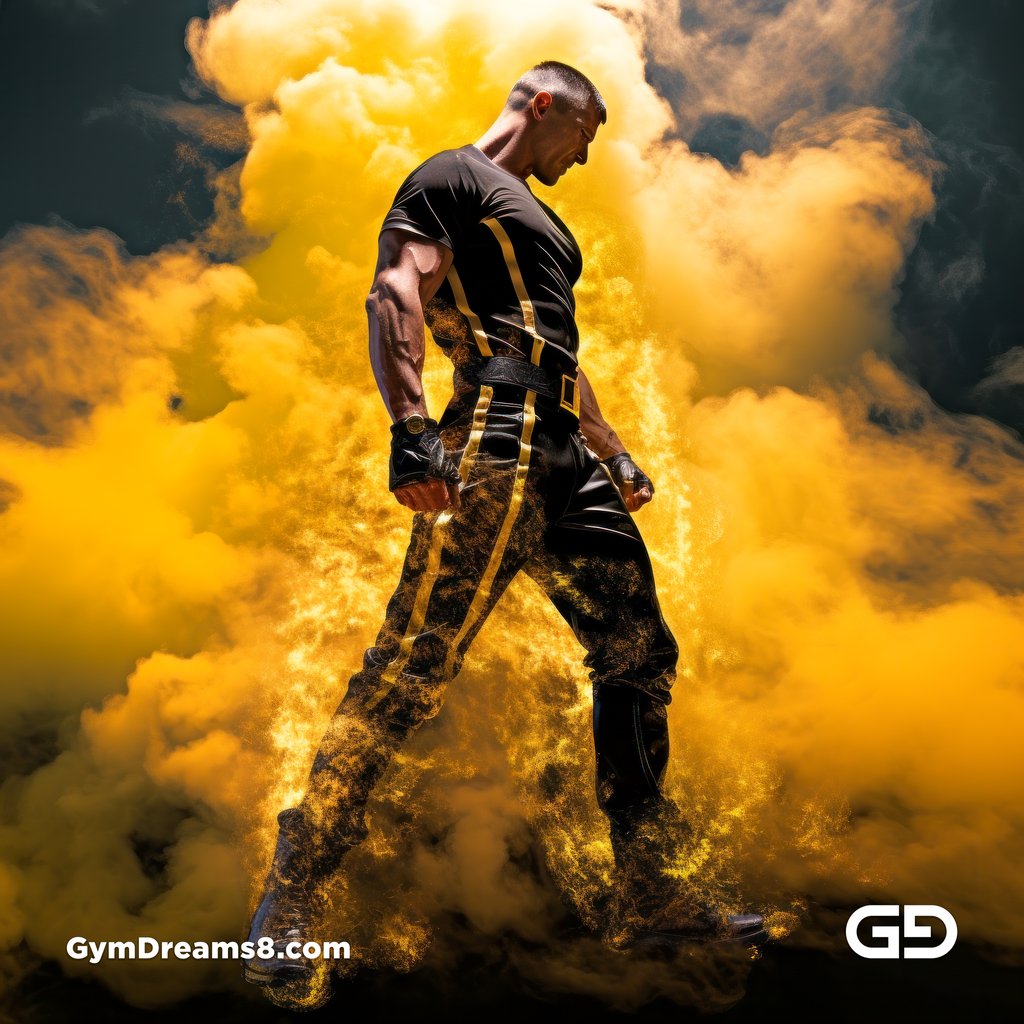
If you look at the images generated from the Midjourney render, they did represent what I wanted, but are lacking something
Shirt
First of all, I asked for no shirt, but its aggressive content filter is adding shirts everywhere. Yes, the image is nice, but…
Latex
Second of all, I asked fo latex. This is marginally maybe vinyl / PVC. PVC is not the same as latex. While they’re both rubber, latex is a natural fiber and comes from a tree. Vinyl (PVC) is man-made and comes from plastic. They look and feel differently, and hugs the body differently.
Muscle
Third, is this man muscular? He is, very realistically so. But sometimes when you create art, you want to exaggerate and idealize things. It’s actually fairly hard to get huge muscles in MJ without using NijiJourney.
Stable Diffusion
So… Stable Diffusion to the rescue — no content filter, muscles the size of mountains if you want it, correct or disproportionately incorrect anatomy within your finger tips.
Prompts from Midjourney
To fully illustrate this article, I used the same prompts from Midjourney:
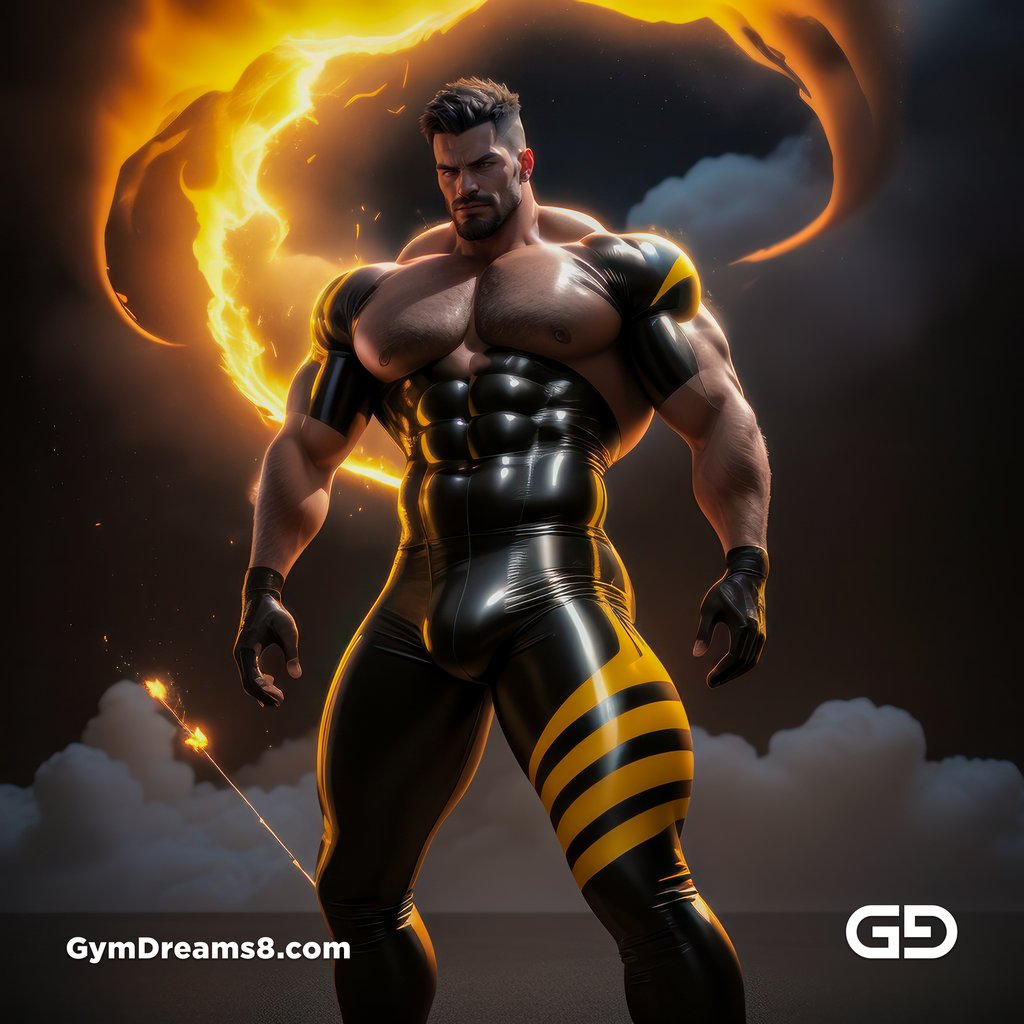
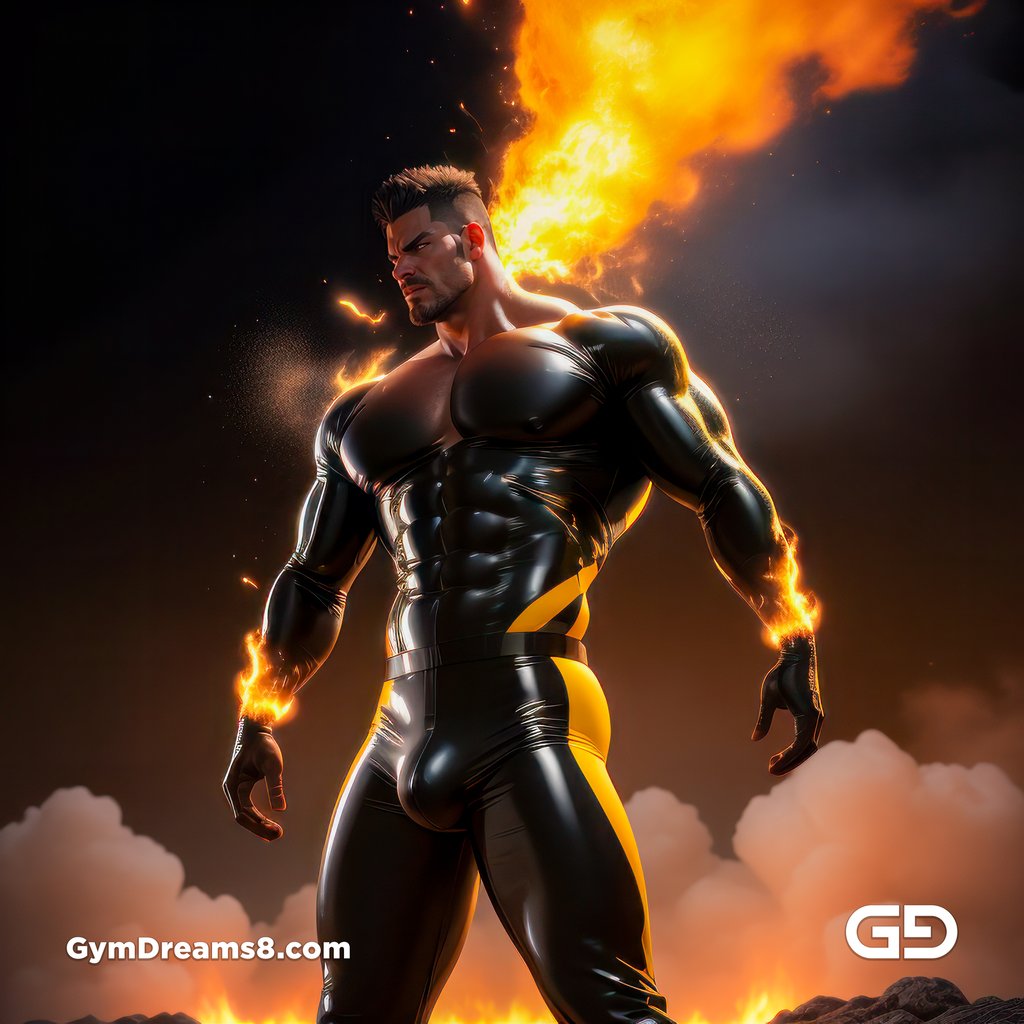
a cloud forming the shape of a 30yo muscular man in black latex pant and yellow stripes, with fire particles and dusts everywhere, photorealistic 3d render in the style of octane render --no shirt
This gave OK results, but it could be better.
Control Nets
As I wrote in my post about Hero, if I can’t get the style I wanted with pure text prompts, then I often would sketch the style I want in Midjourney, then bring that image into Stable Diffusion as part of two control nets:
- Reference Only
- Shuffle
For each these, adjust these parameters:
- Priority
- Balanced
- Prompt-priority
- Control Net priority
- Weight. How much influence should it control?
- Ending steps. When should the control be applied over the steps? You can for example influence just the first 40% of your 20-step render (i.e. only the first 8 steps), then allow SD to denoise the rest. For control nets like Canny, often 0.4 (40%) is enough to force a pose. CNs that transfer styles fluctuate quite a bit. You must experiment. It’s hard to give a figure that works for everything.
- Enable. Often people asked me why their control nets don’t work. It’s because they forgot to turn it on after setting all the settings.
Rewrite Prompt
But why stop here? If you work with Stable Diffusion, you’ll know that while you can write prompts like sentences, you’ll get far better results by using booru tags and text tokens. So let me just rewrite this whole thing in the style that will give much better results:
masterpiece, best quality, absurdres, 1boy, cloud forming the shape of a man, black latex pants, yellow stripes, fire particles, dust, photorealistic 3d render, style of octane render, topless male, 30 years old, hairy chest, handsome italian face, muscular, indirect light, shaved beard.
Negative prompt: shirt, 2girls, 1girl, kids, children, easynegative
Images
And there you have it… but what’s in part 3? Part 3 is where we get creative!
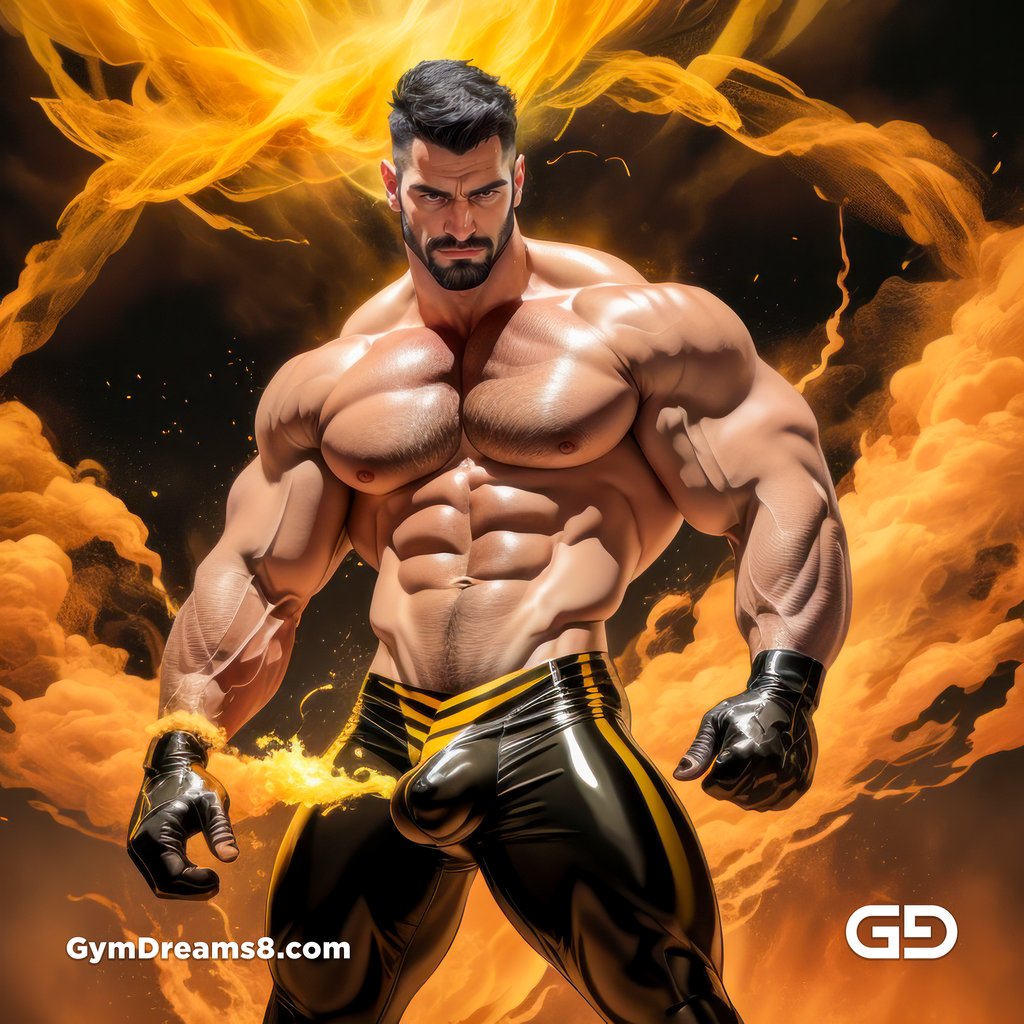
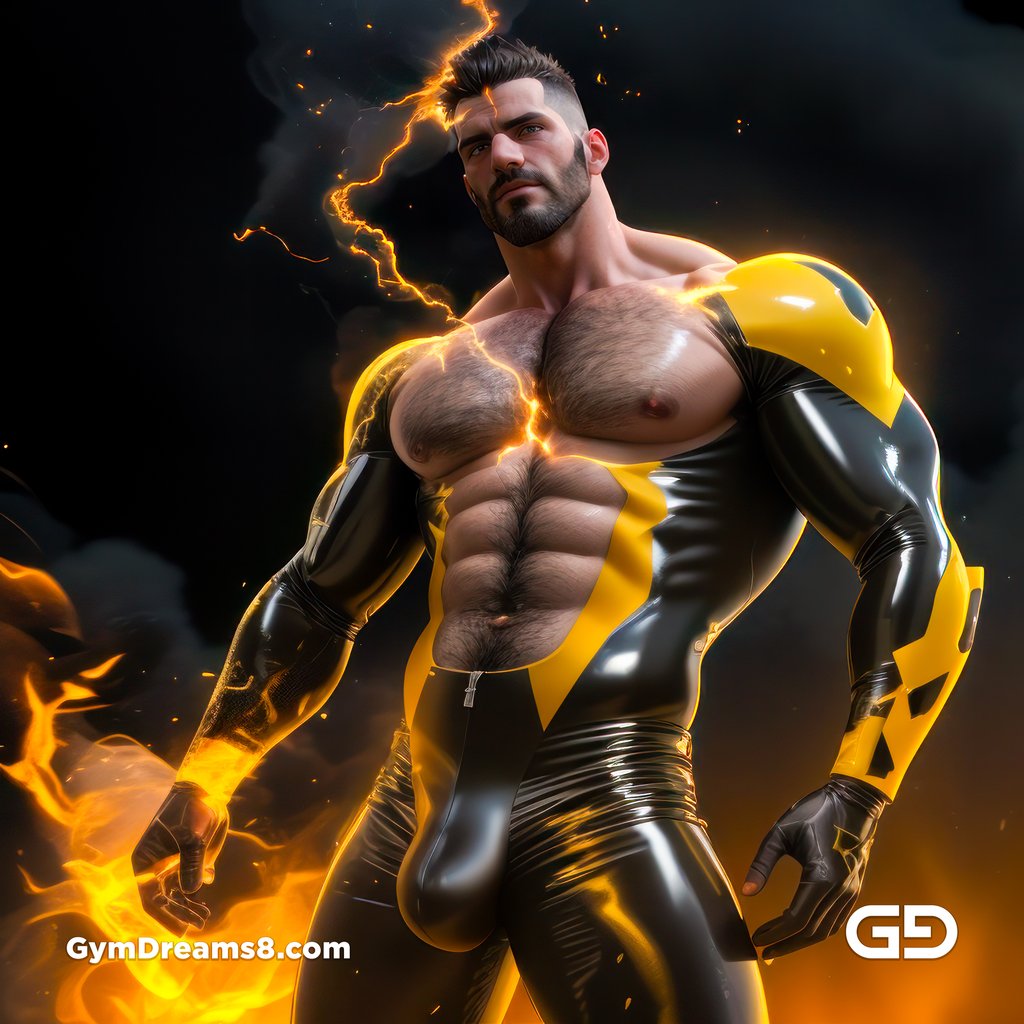
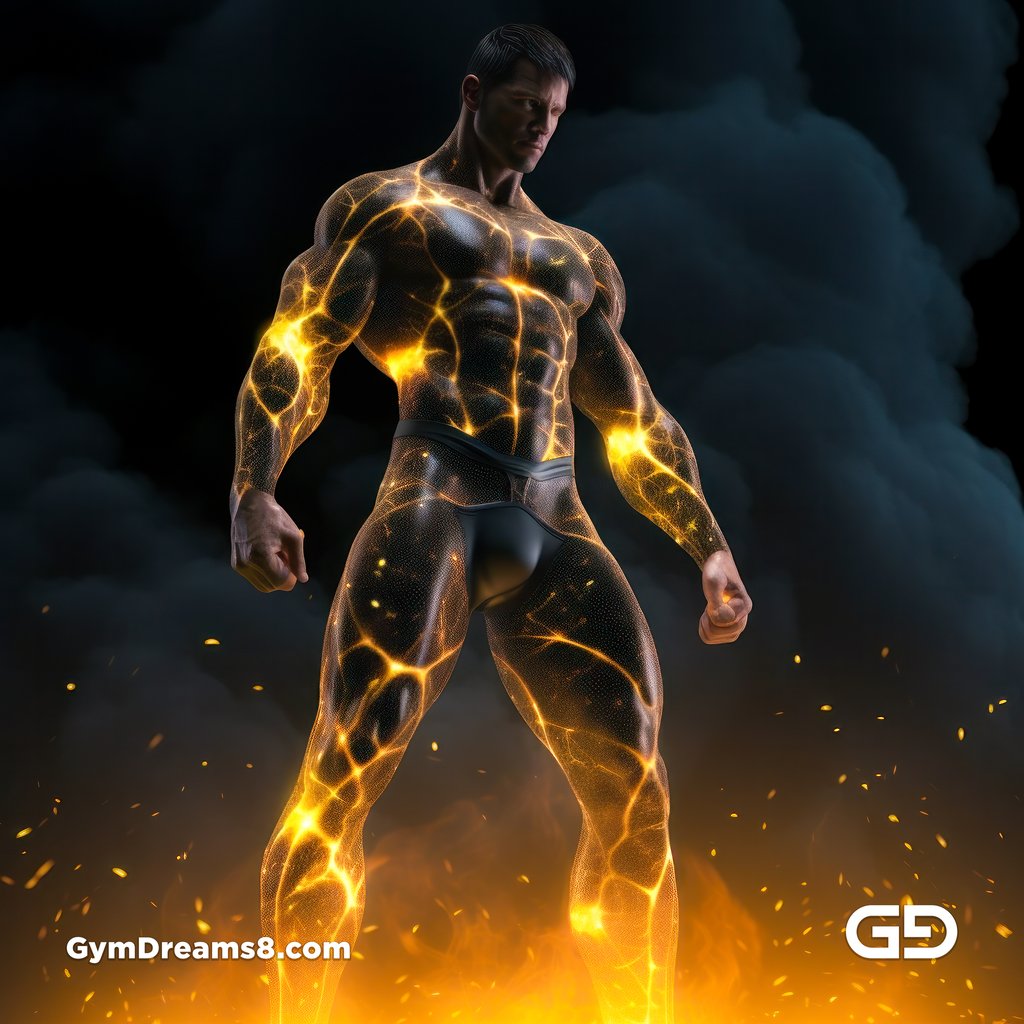
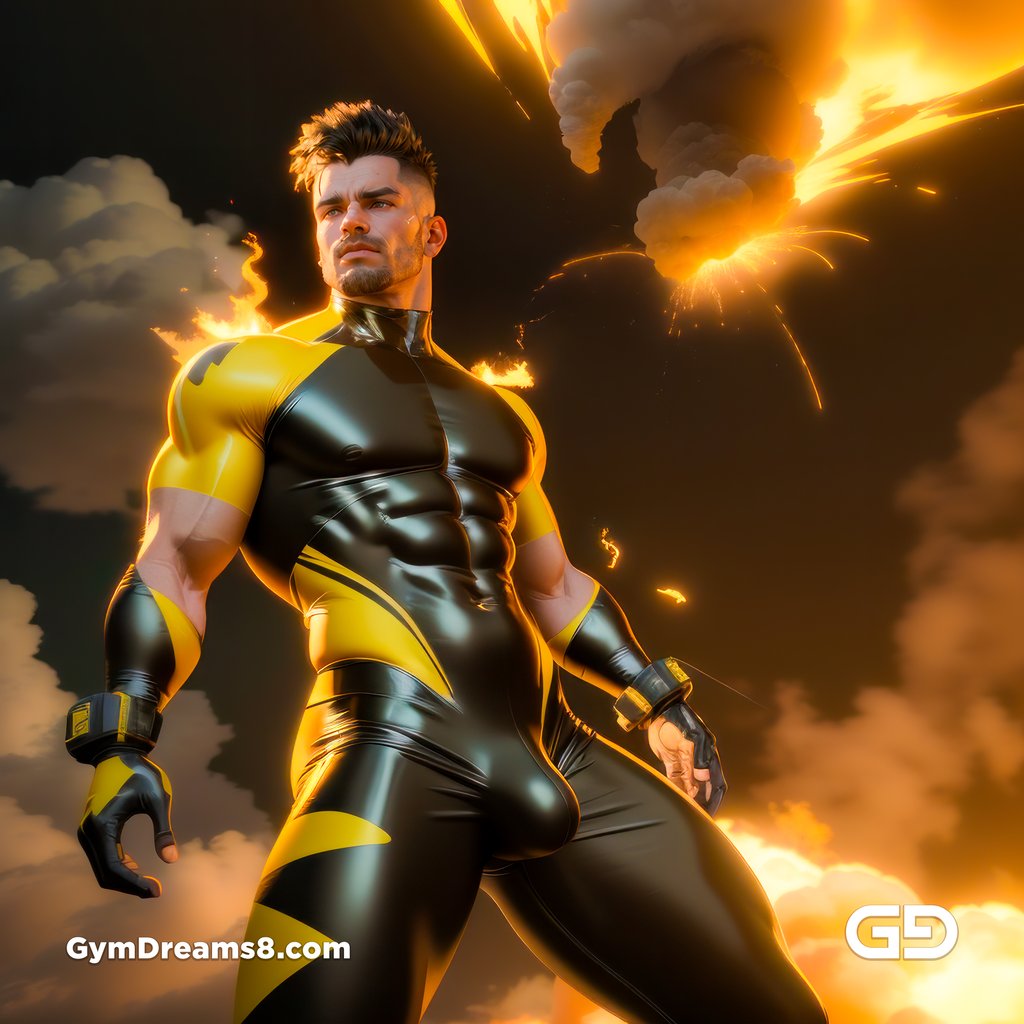
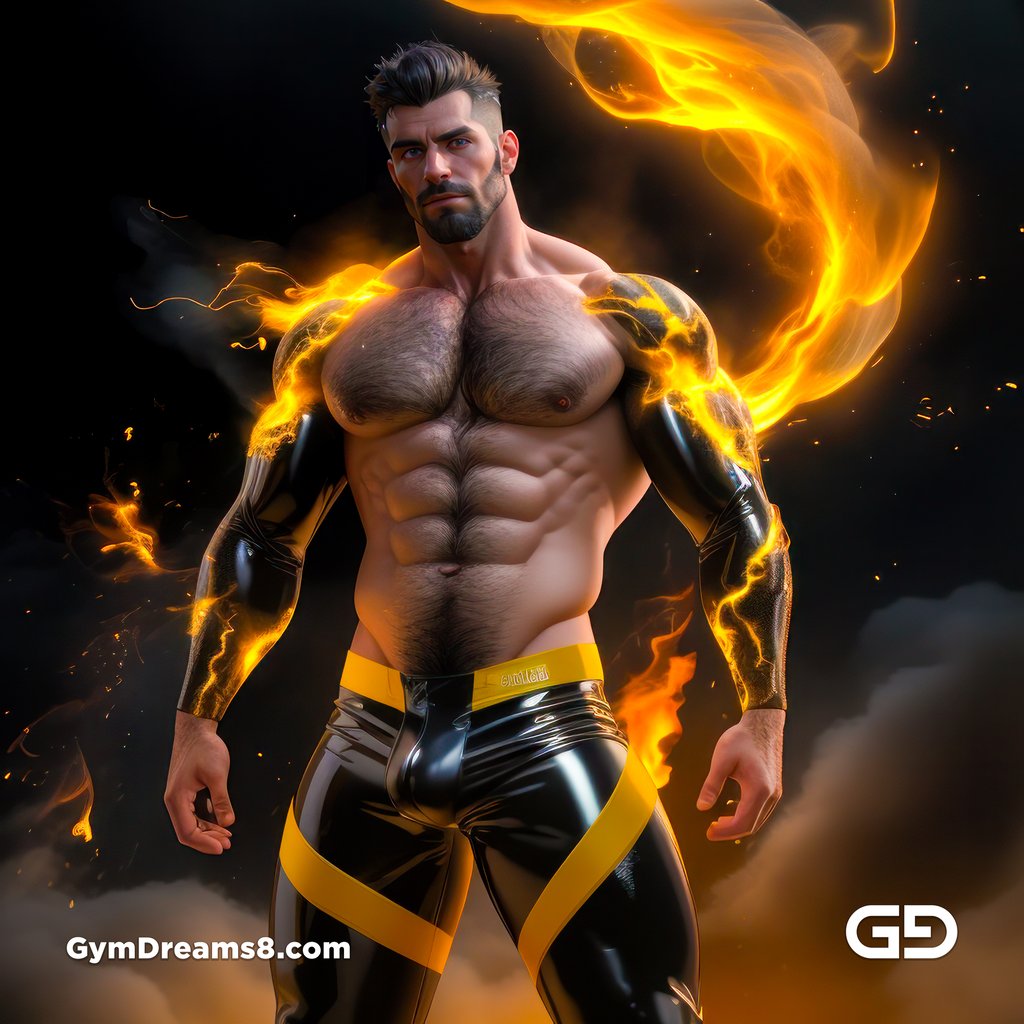
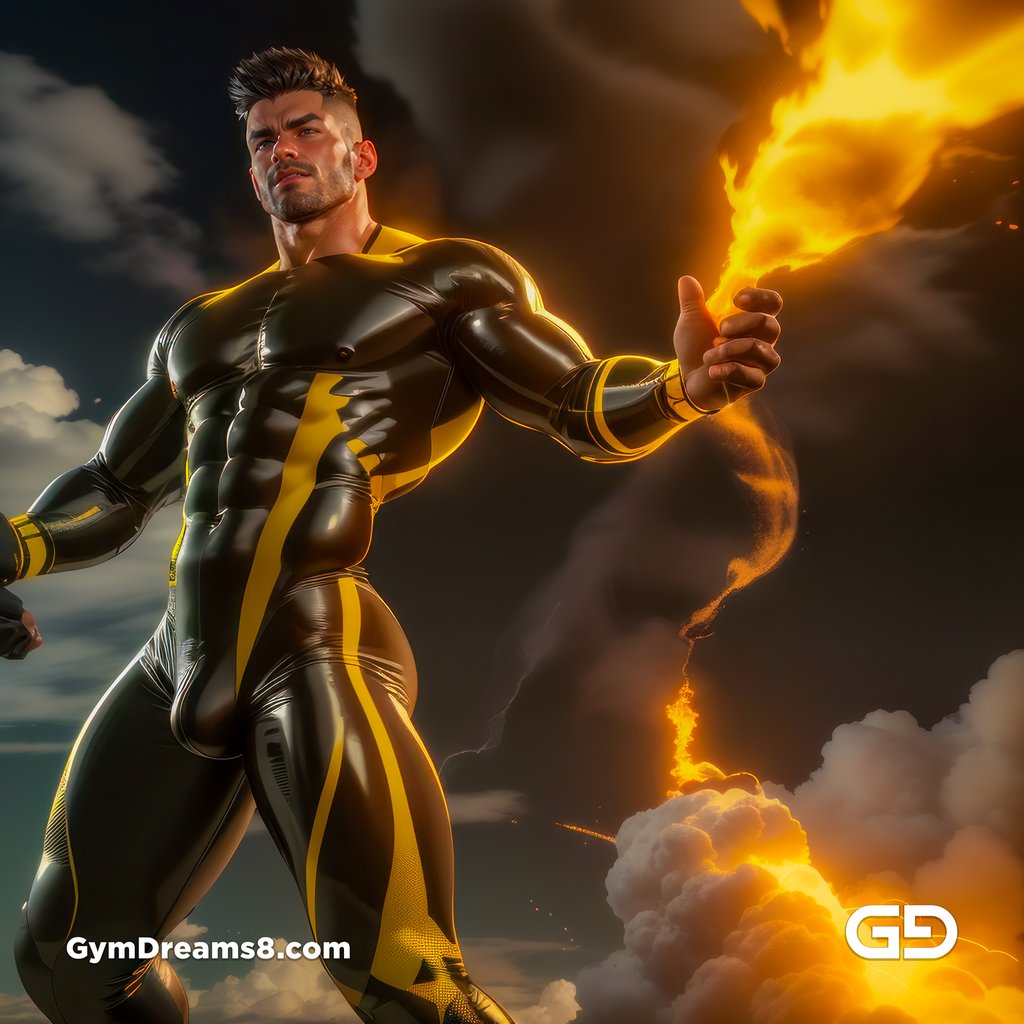
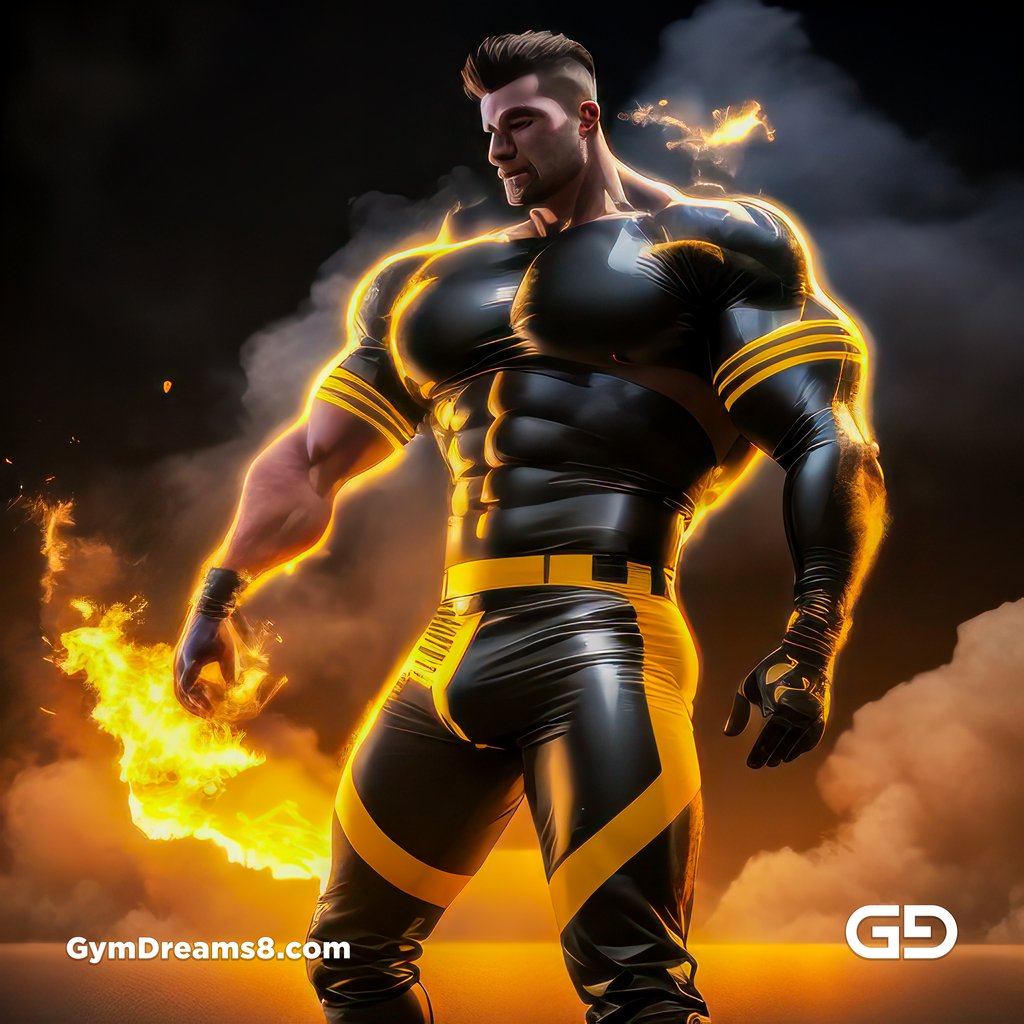
Image 1-4 are final images. Image 5-10 are incorrect settings, but I included them here to show what happened.
Final Results
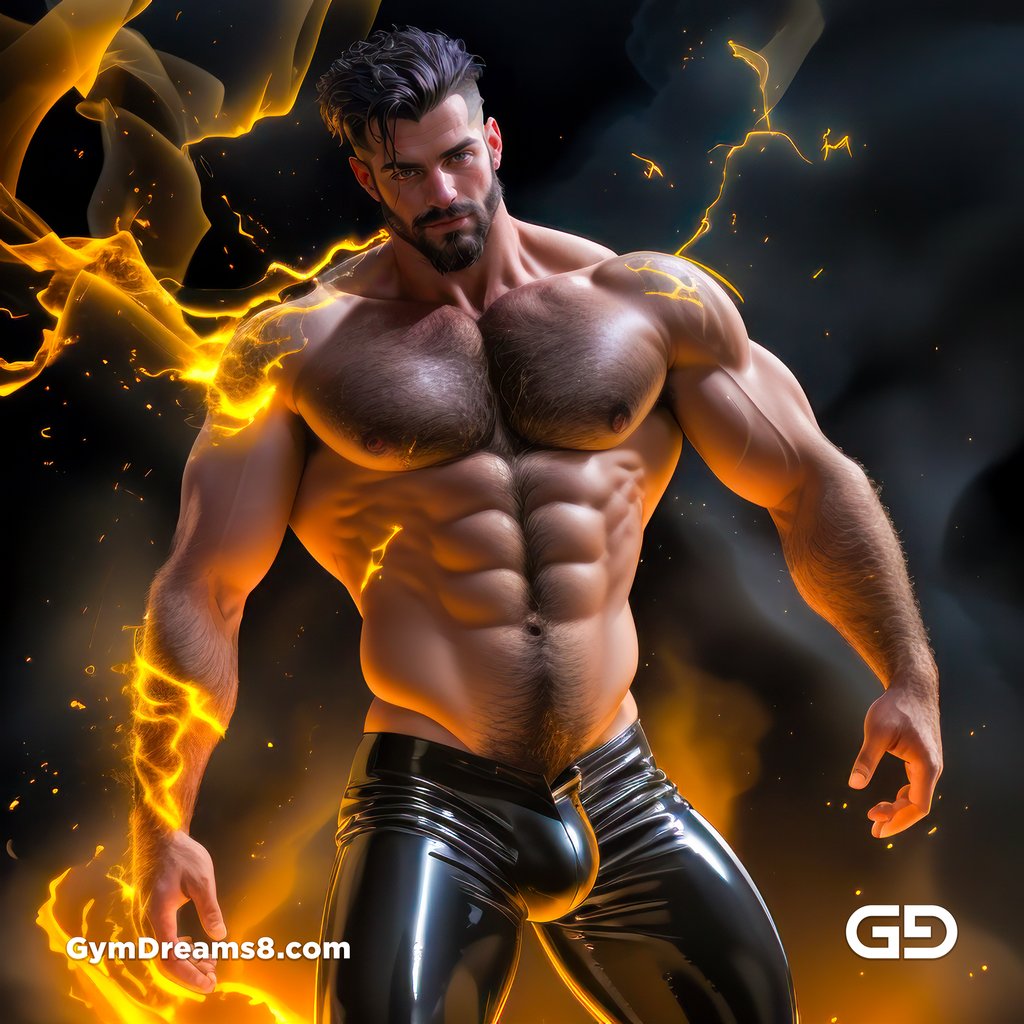
Muscular
I forgot to add the muscular keyword here, so the man is not as muscular. But the interesting thing is that regular man in SD = muscular man in MJ.
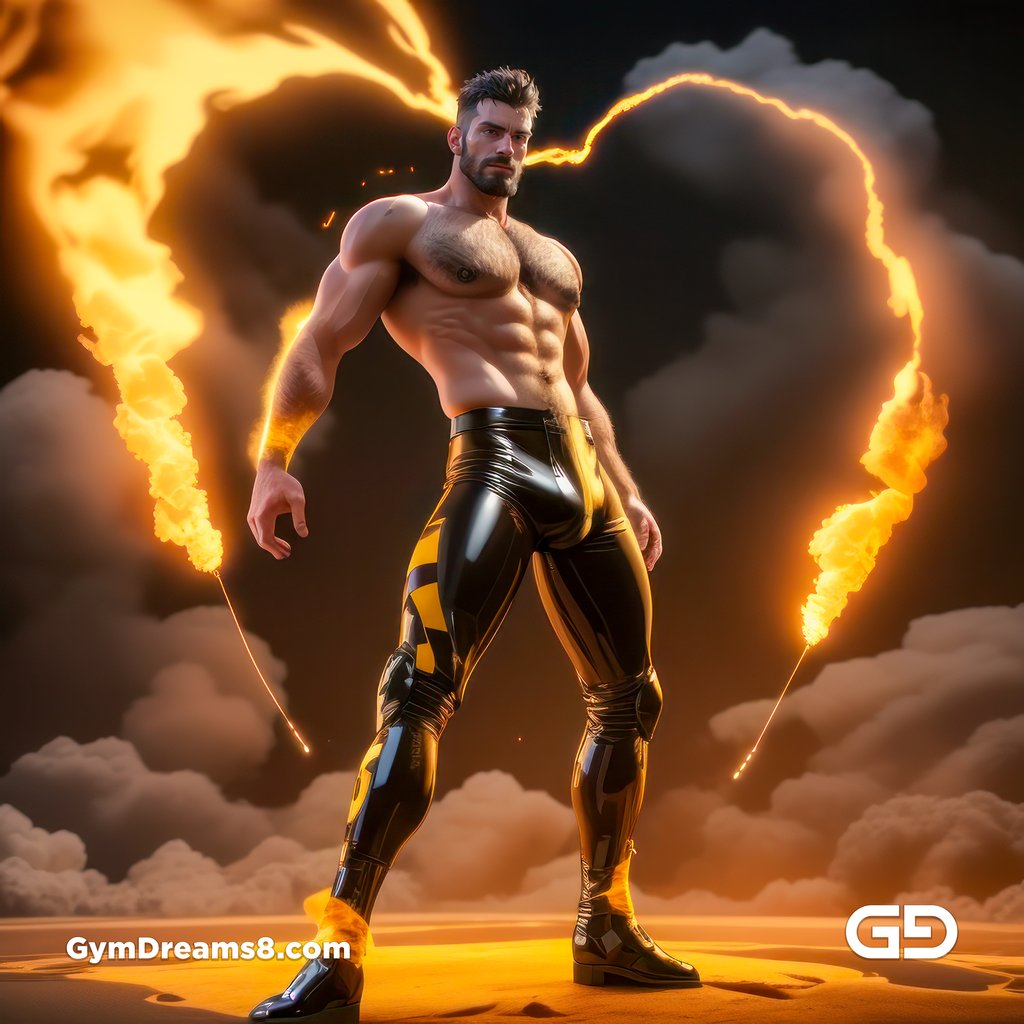
Wrong control net - Canny
I clicked the wrong button for Shuffle and used Canny instead. Canny is for composition control according to edges. It forms the exact pose from the MJ render as as result. Not what I was going for but it’s useful if you want to try it.
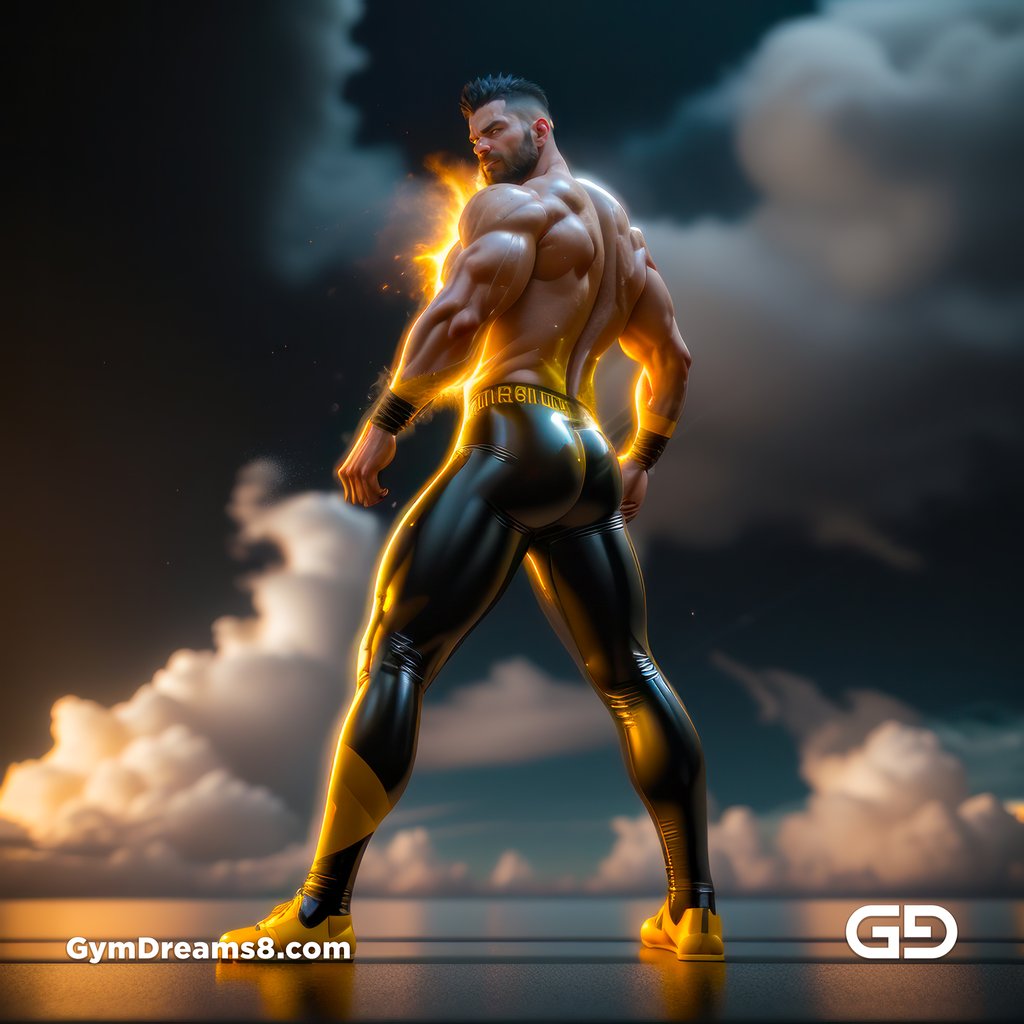
No ADetailer
These are from the early rounds of renders where I haven’t enabled ADetailer yet, so the the faces are not as detailed. I included here to show you why you should always use ADetailer, which detects all the faces in the image and perform automatic in-painting.
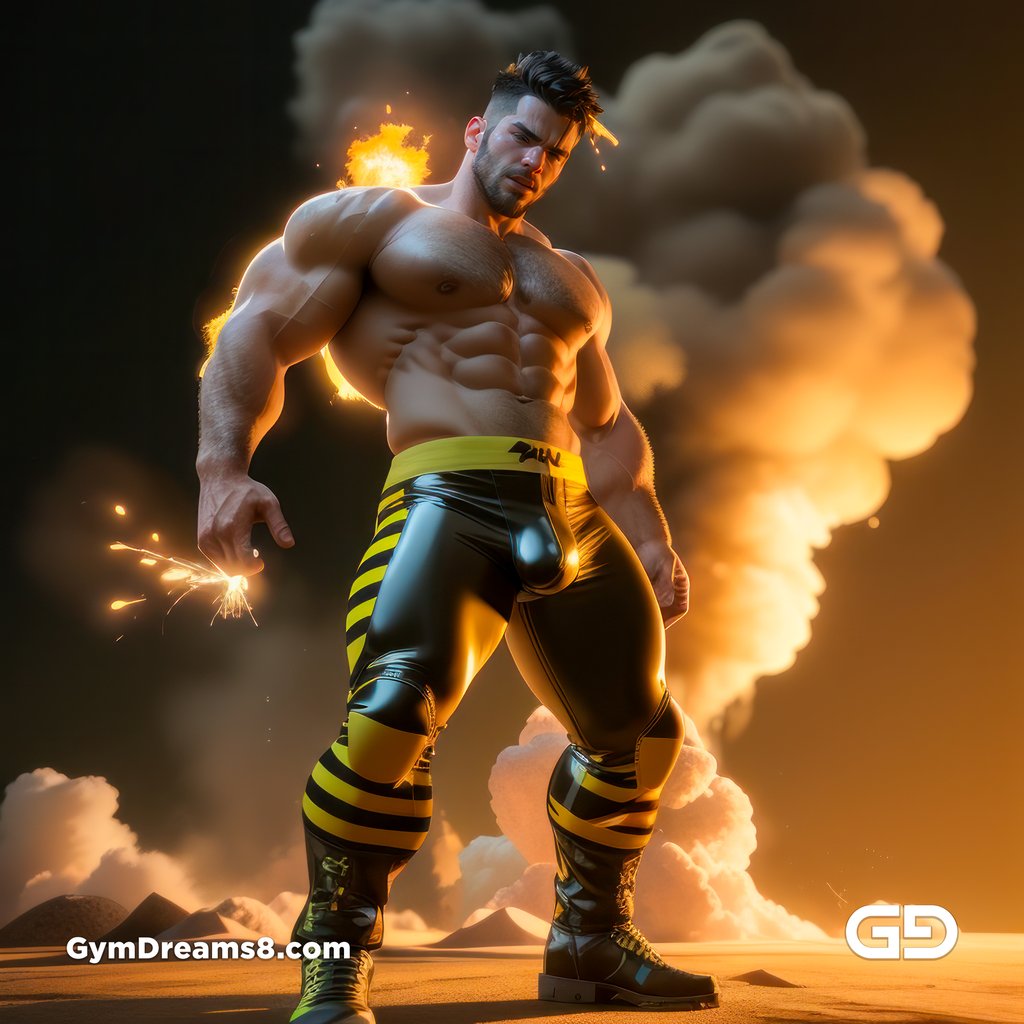
Technical Parameters
I do tweak the control net balances parameters from image to image, but here are some starting values.
- Steps: 25
- Sampler: DPM++ SDE Karras
- CFG scale: 6
- Size: 512x512
- Model hash: 70525c199b
- Model: airfucksWildMix_v10
- VAE: vae-ft-mse-840000-ema-pruned.vae
- Denoising strength: 0.5
- Version: a844a83
- Token merging ratio: 0.5
- Token merging ratio hr: 0.5
- Parser: Full parser
- ControlNet 0:
- preprocessor: reference_only
- model: None
- weight: 1
- starting/ending: (0, 1)
- resize mode: Crop and Resize
- pixel perfect: False
- control mode: Balanced
- preprocessor params: (512m 0.5, 64)
- ControlNet 1:
- preprocessor: shuffle
- model: control_v11e_sd15_shuffle [526bfdae]
- weight: 1
- starting/ending: (0, 1)
- resize mode: Crop and Resize
- pixel perfect: False
- control mode: Balanced
- preprocessor params: (1024, 64, 64)
- ADetailer model: face_yolov8n.pt
- ADetailer confidence: 0.3
- ADetailer dilate/erode: 32
- ADetailer mask blur: 4
- ADetailer denoising strength: 0.4
- ADetailer inpaint only masked: True
- ADetailer inpaint padding: 32
- ADetailer version: 23.7.6
- Hires upscale: 1.5
- Hires steps: 10
- Hires upscaler: 4x_NMKD-Siax_200k
- Post:
- Topaz Gigapixel HQ 4x
- Adobe Lightroom color correction